Quick blogpost on converting HTML to PDF from an ASP.NET Core application using a Node library by Marc Bachmann called html-pdf. I’ve also setup a docker-based sample github repository if you just want to see the final thing.
Create a new project
Let’s quickly create a new ASP.NET Core project using the commandline tools:
1# create a new project
2dotnet new webapi --name PdfSample
3# run the project
4cd PdfSample
5dotnet run
6# browse to localhost:5000
7# you should see a 404 error
Write the node script
Install html-pdf:
1npm install html-pdf --save
And add the node script to be invoked by the ASP.NET application in a Node folder:
1// File: Node/createPdf.js
2const pdf = require('html-pdf');
3module.exports = function (result, html, options) {
4    pdf.create(html, options).toStream(function(err, stream) {
5        stream.pipe(result.stream);
6    });
7};
The script calls create() from the html-pdf package and pipes its output to the Duplex stream result accessible by NodeServices. The arguments html and options will be passed from the ASP.NET application while invoking the script.
Create an action that invokes the node script
Let’s create a controller-action for the / route that invokes our node script and generates a sample PDF:
 1// File: Controllers/HomeController.cs
 2public class HomeController : Controller
 3{
 4    [HttpGet("/")] // action to invoke for the "/" route
 5    public async Task Index(
 6        [FromServices]INodeServices nodeServices)
 7    {
 8        var html = "
 9# Hey!
10"; // html to be converted
11        var options = new { }; // html-pdf options
12
13        var stream = await nodeServices.InvokeAsync(
14            "./Node/createPdf.js", // script to invoke
15            html,
16            options
17        );
18        return File(
19            fileStream: stream,
20            contentType: "application/pdf"
21        );
22    }
23}
- We create an action for the
/route using[Route("")]&[HttpGet("")]. - It obtains an
INodeServicesinstance from the DI container using the[FromServices]annotation. - We invoke the script using the module name relative to the project root and the arguments to be passed to the script.
Register NodeServices with the DI
Before we can run it we’ll need to register it with the DI.
We do that using an extensionsion method in the Startup class’ ConfigureServices() method:
1services.AddNodeServices();
Run the Application
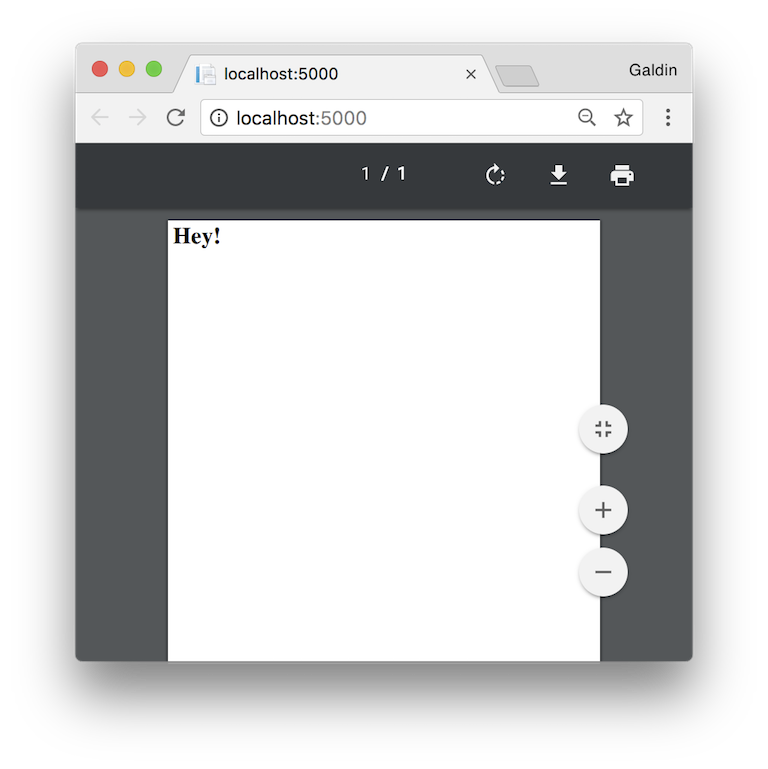
Run the app using dotnet run and the PDF should be served at localhost:5000.
Setup for publishing
The createPdf.js needs to be part of your publish output. You can achieve this by editing the .csproj file and adding a section as follows within the <Project></Project> tags:
1PreserveNewest
The app can now be published using:
1dotnet publish -c Release
The output will be in the ./bin/Release/publish directory by default.
Note that the node_modules folder is not published. You may either use MSBUILD to copy the folder on build/publish by editing the .csproj file like above, or run npm install html-pdf as part of your deploy script.
I prefer the deploy script because I’d like to avoid publishing the front end packages from node_modules.
Setting up docker
I spent more than 8 hours trying to get the setup to work on Docker, which is why I decided to write this post in the first place.
I had two issues while writing the docker file, both relating to PhantomJS. The first error was when trying to install html-pdf using npm at build time. html-pdf downloads a prebuild binary of PhantomJS which is compressed using bzip2. Here’s the error message:
1tar (child): bzip2: Cannot exec: No such file or directory
2tar (child): Error is not recoverable: exiting now
3tar: Child returned status 2
4tar: Error is not recoverable: exiting now
The second error was a runtime error where I wasn’t able to get a proper error message – the application would just crash abruptly.
The trick was to install bzip2 for the html-pdf installation to succeed and libfontconfig for PhantomJS to work as expected. You may do that on debian based systems using:
1apt install bzip2
2apt install libfontconfig
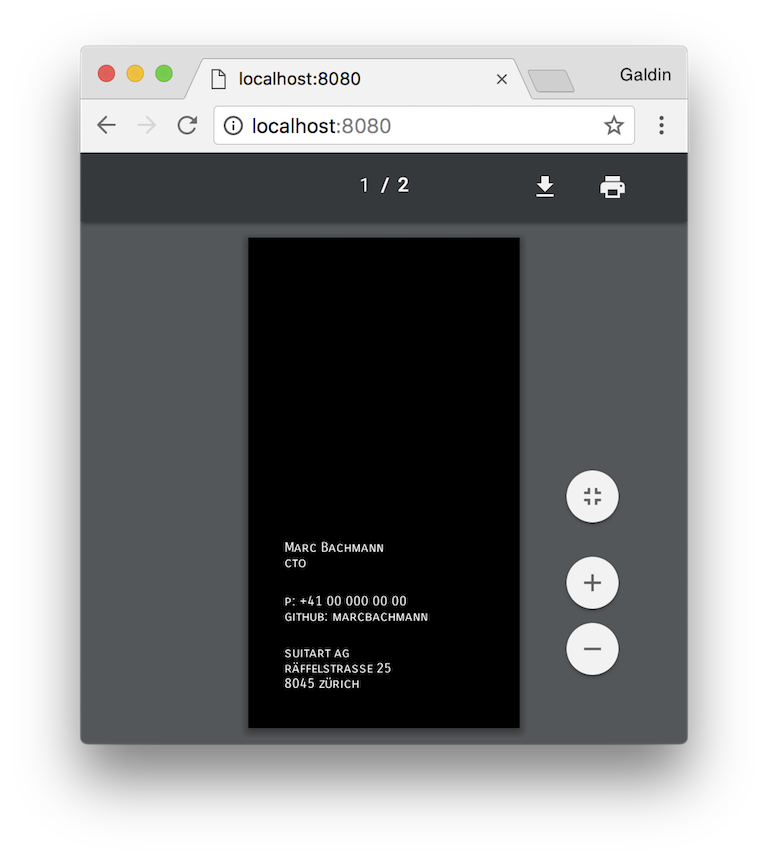
Here’s the full Dockerfile. Add it to the root of your project and run it using:
1docker build -t aspnetpdf .
2docker run -d -p 8080:80 aspnetpdf
Conclusion
That’s it. We’ve seen how to convert HTML to PDF in an ASP.NET Core application using Marc Bachmann’s html-pdf with NodeServices. Pretty cool if you ask me!
If you’ve come this far, you should totally check the GitHub sample and run it. No excuse if you already have docker on your machine 😁
If you’re considering following this approach in a real project, here are a few pointers to save you time:
- PhantomJS currently has issues with custom fonts on Windows. The font will need to be installed on the Windows instance for it to work.
- PhantomJS is based on WebKit which uses GDI+ under the hoods on Windows. Because of this, we couldn’t use it in a traditional Azure Web App. More information here. We ended up switching to Azure Web App for Containers.