I spent some time this weekend experimenting with smaller LLMs locally to get a sense of how they compare to the models I use at work (Claude, GPT, Gemini, etc.) and how they perform on a GPU-only machine.
I started with Qwen3-4B. Turns out, running a model locally with llama.cpp
server is actually very simple with the GGML project.1
Here’s my compose.yml file:
 1version: "3.9"
 2
 3services:
 4
 5  llamacpp-server:
 6
 7    image: ghcr.io/ggml-org/llama.cpp:server
 8    restart: unless-stopped
 9
10    # Env variables documentation: https://github.com/ggml-org/llama.cpp/blob/master/tools/server/README.md
11    environment:
12      - LLAMA_ARG_PORT=8080
13      - LLAMA_ARG_HOST=0.0.0.0
14      - LLAMA_ARG_ENDPOINT_METRICS=1
15      - LLAMA_ARG_MODELS_DIR=/models
16      - LLAMA_CACHE=/models
17      # Set any Hugging Face model in the GGUF format
18      - LLAMA_ARG_HF_REPO=ggml-org/Qwen3-4B-GGUF
19
20    volumes:
21      - ./models:/models:Z
22
23    ports:
24      - "8080:8080"
Run this with:
1podman compose up
2
3# Or if you use docker:
4# docker compose up
And you should be ready to start prompting:
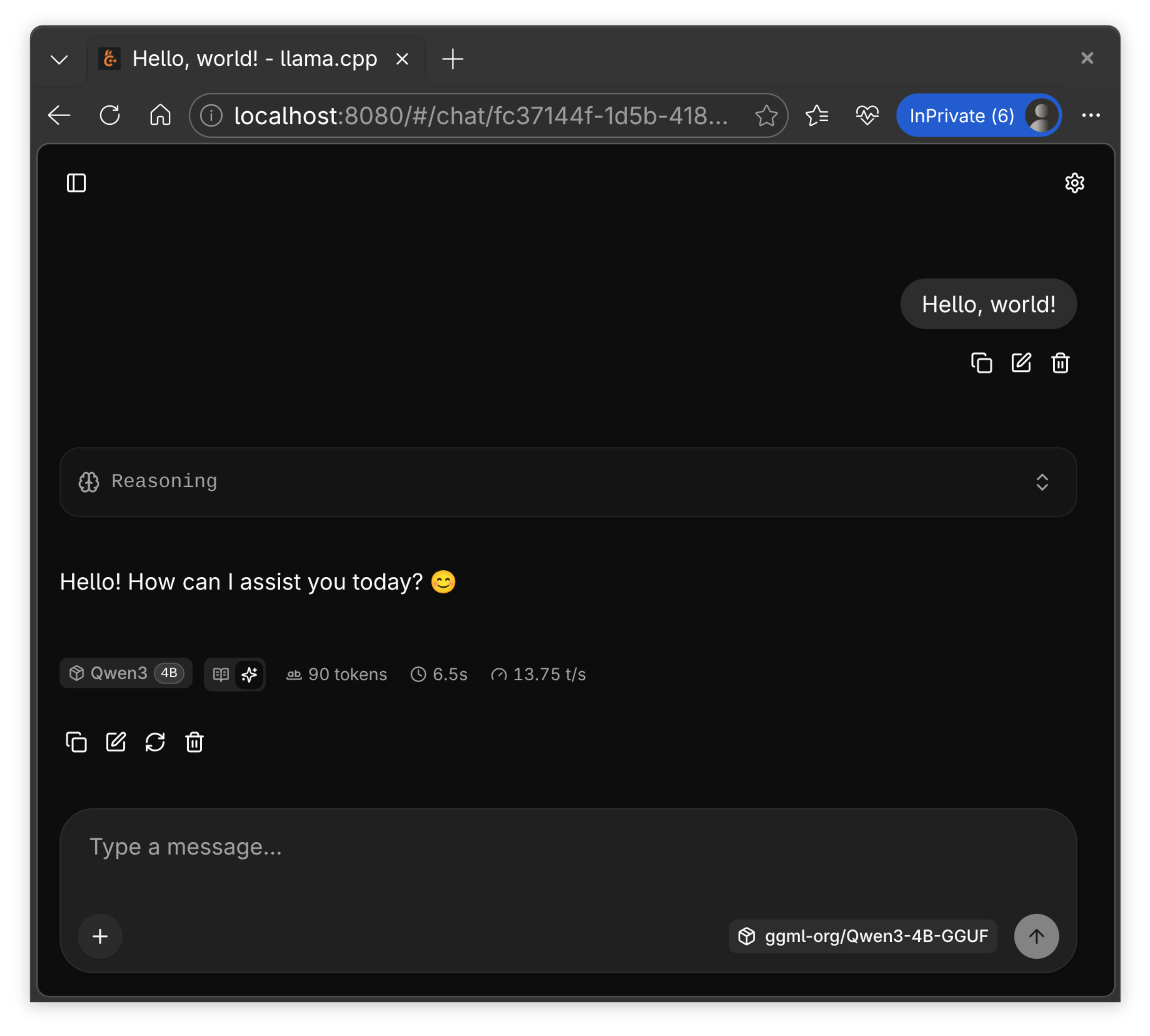
With the recent ggml + Hugging Face collab, I think running smaller specialized models will only get easier. Cannot wait to see what 2026 has in store for this space!
The only caveat, as I understand, is that the model must be in the GGUF format. ↩︎